
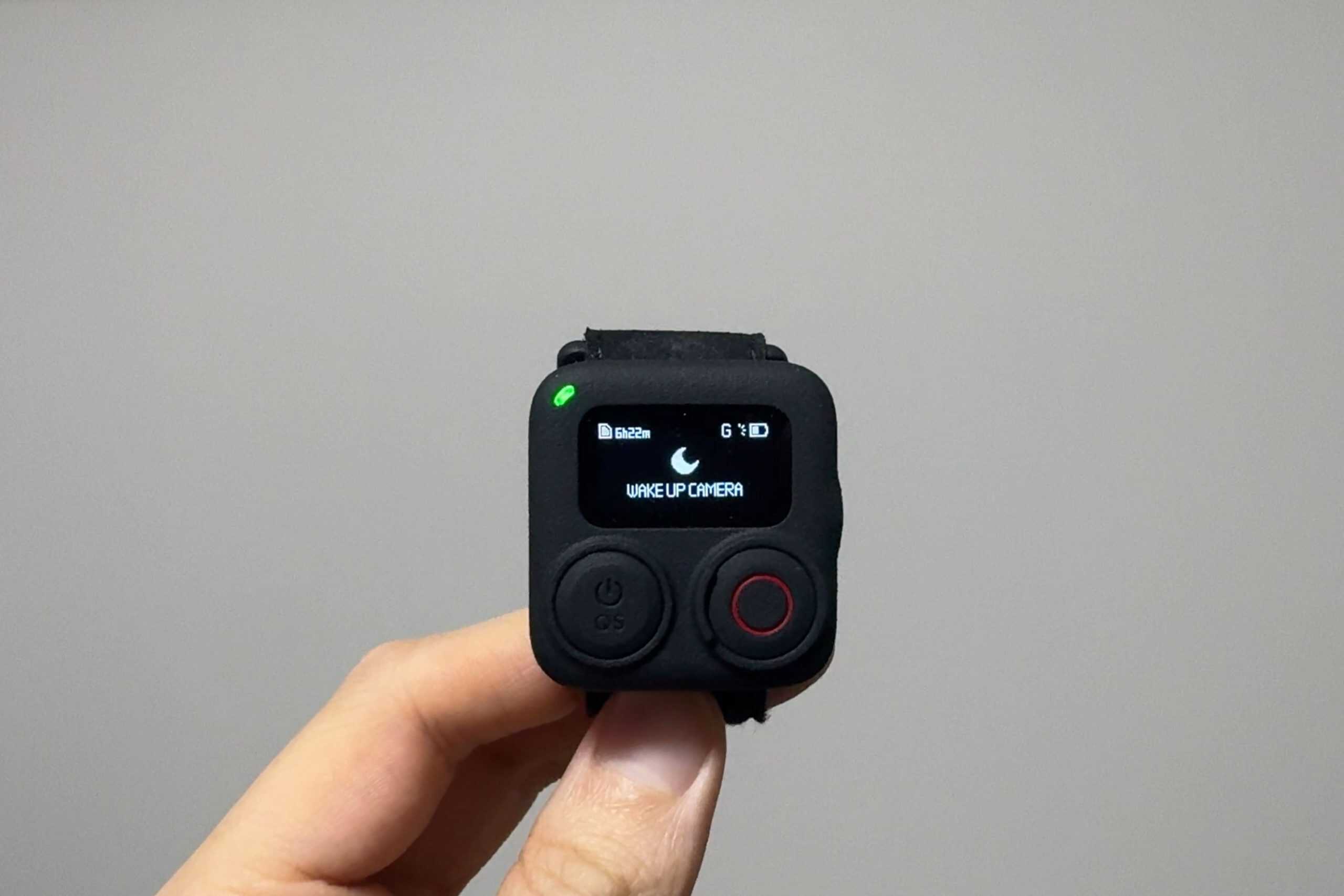
A Useful Accessory With Some Frustrating Limitations
If you mount an action camera on your bike under the seat, on the kickstand, or somewhere on the frame, you already know the biggest annoyance: controlling a camera you cannot physically reach.
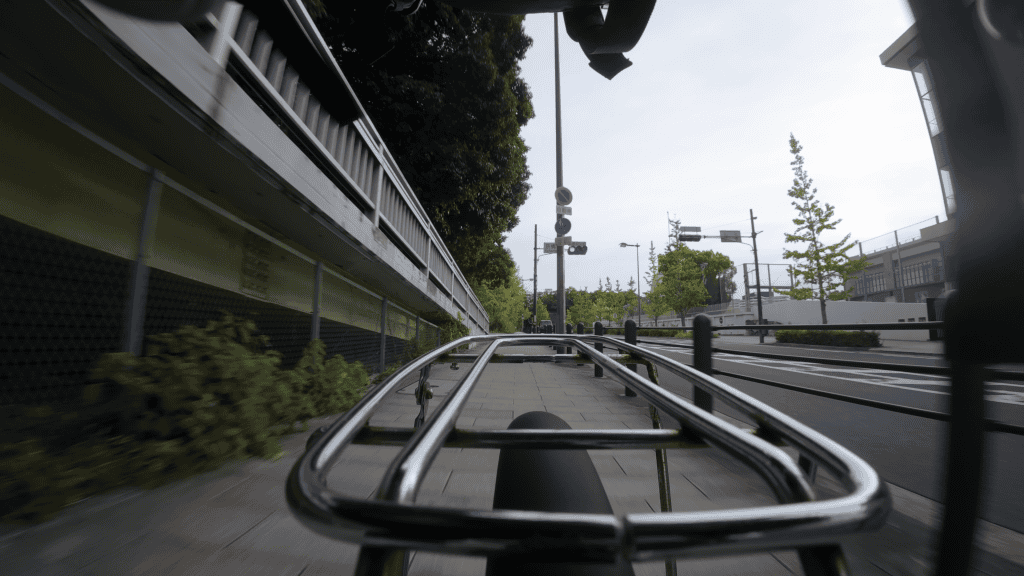
When I’m riding with my DJI Osmo Action 5 Pro, Action 6, or Osmo 360, even something as basic as starting or stopping a recording becomes awkward. It usually means pulling out my phone, unlocking it, opening the app, waiting for the camera to connect, and then finally hitting record. All that effort just to do one simple thing.
So when I heard about the DJI Osmo Action Remote, my first thought was why I hadn’t bought one already.
But this thing is not cheap. Still, the idea of having a physical record button was immediately appealing for the way I shoot. Once I realized it also includes GPS data logging and multi-camera control, the price started to feel at least somewhat justifiable.
After spending some real time using it, this review breaks down what the Osmo Action Remote does well, and where it falls short. One of those shortcomings may be a dealbreaker for many people.
What the DJI Osmo Action Remote Gets Right
Almost everything good about this remote comes down to one thing: removing friction from your workflow. On the basics, it delivers exactly what you would hope for.
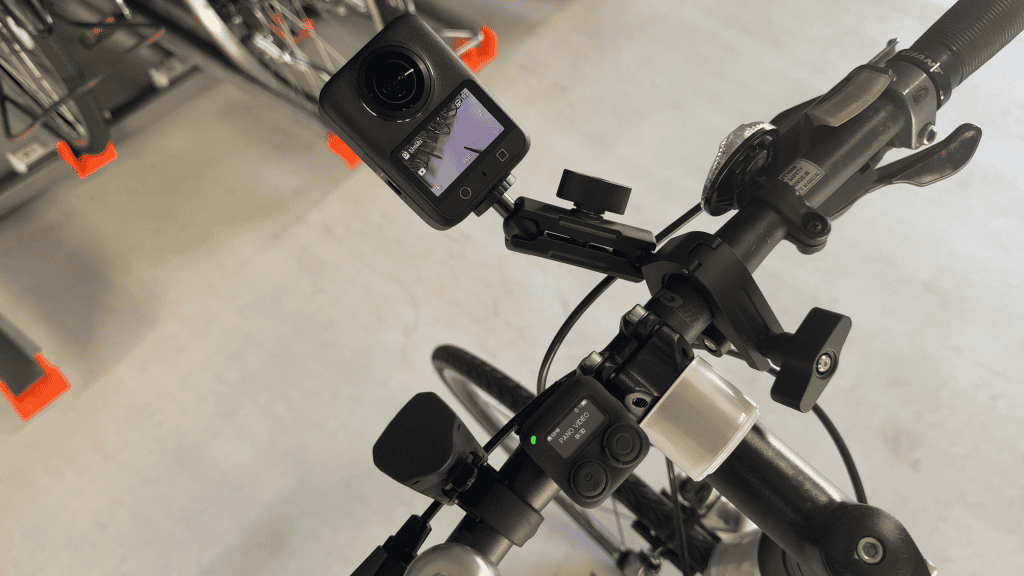
Remote start and stop recording
Before using the remote, starting a recording would take me around 20 seconds from pulling out my phone to actually hitting record.
With the Osmo Action Remote, initial pairing takes a few seconds the first time you turn it on. After that, it stays connected. As long as the remote is powered on, recording starts instantly with a single button press.
When your camera is mounted somewhere awkward, this alone is a massive quality of life improvement.
Waking the camera remotely
One feature that works particularly well is the wake-up function.
If your camera powers off manually or hits its auto power-off timer, you can wake it by holding the record button. You can also start recording with a single press, as long as the camera was turned off within roughly eight hours.
This is something you simply cannot do with the DJI Mimo app.
For intermittent shooting, this is a big deal. You can let the camera sleep to save battery and still be ready to capture footage at a moment’s notice.
Changing shooting modes remotely
The remote also lets you change shooting modes and presets without touching the camera or opening the app.
This is handled using the Quick Switch button on the side, which mirrors the button found on the camera itself. By default, it toggles between photo and video, but once you save custom presets, it becomes much more powerful.
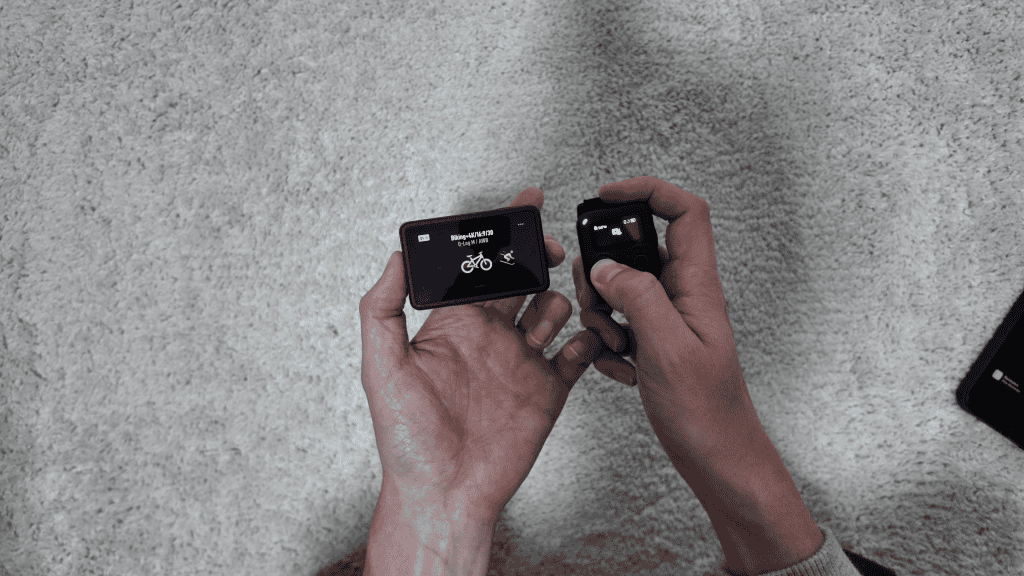
You can remotely switch between presets with different stabilization modes, fields of view, frame rates, and color profiles. For example, jumping from a standard video clip to a slow motion segment while riding is surprisingly convenient.
Multi-camera control
If you own multiple DJI cameras, the remote supports controlling up to 16 cameras at once.
I was only able to test this with three cameras, since the remote does not support the Osmo Pocket 3, but pairing and control were smooth. This is something I am genuinely interested in using on bike rides to capture multiple angles without managing each camera individually.
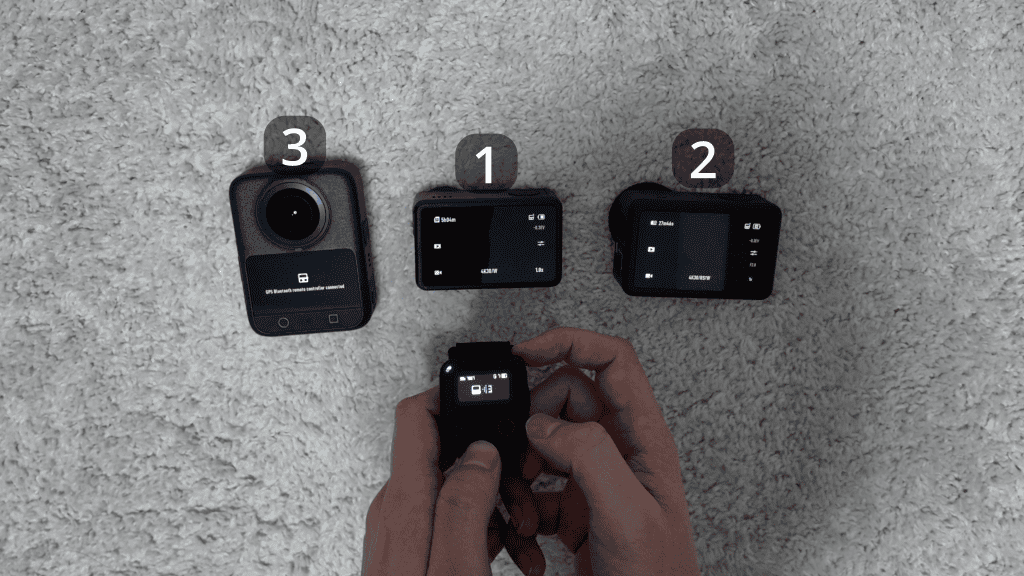
There is a catch though. In multi-camera mode, you lose the ability to wake cameras remotely. Once they go to sleep due to inactivity, the remote cannot wake them up again.
Where the Osmo Action Remote Falls Short
The Osmo Action Remote handles the fundamentals well, but at this price point you expect a more refined experience. Once you move beyond basic record control, the cracks start to show.
GPS overlays are locked to the mobile app
One of the headline features of this remote is GPS data logging, including speed, distance, and elevation. This is clearly aimed at cyclists, runners, and other users who want performance data baked into their footage.
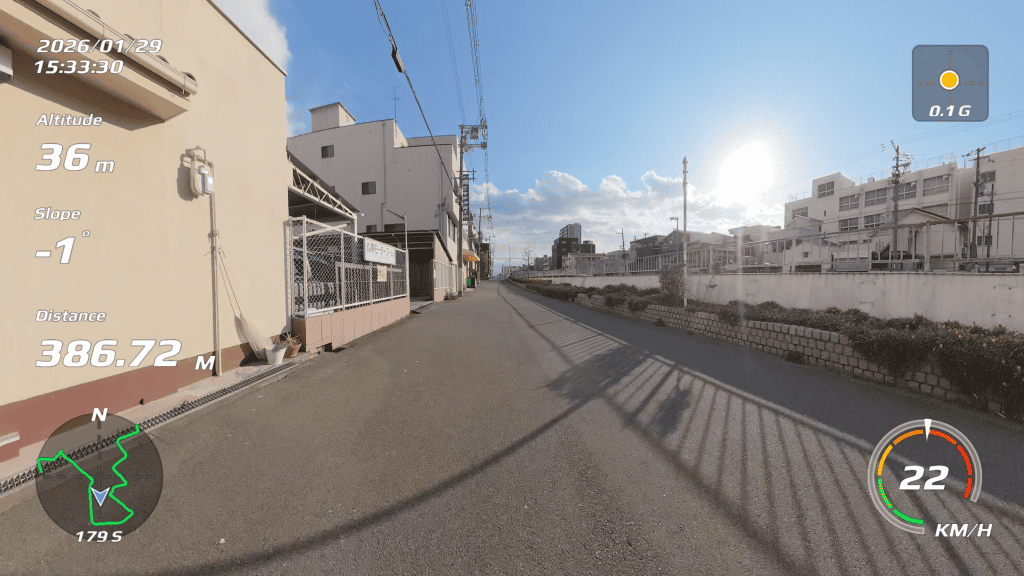
Right now, the only official way to overlay that data is through the DJI Mimo app. That means editing on your phone.
If you prefer editing on a desktop, this is frustrating. DJI does offer a desktop app called DJI Studio, and it even includes a dashboard section designed for telemetry overlays. Unfortunately, at the time of writing, it does not correctly retrieve GPS data from videos taken with the Osmo Action 6. Speed, distance, and elevation simply do not show up the way they do in the mobile app.
Fortunately, data was correctly imported from my other DJI cameras.
This will probably be fixed eventually, but for now it highlights how underdeveloped DJI’s desktop software ecosystem still feels.
The screen is small and hard to see
Another issue is the screen itself.
Compared to remotes from GoPro and Insta360, the Osmo Action Remote has the smallest display. In bright outdoor conditions, it can be difficult or even impossible to read at certain angles.
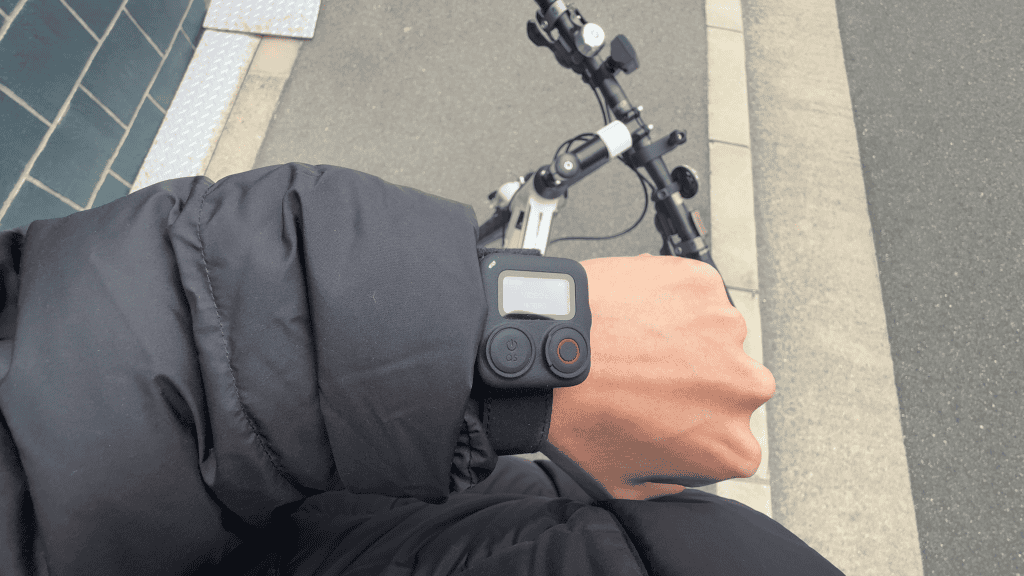
If you wear it on your wrist, it is manageable since you can rotate your arm to improve visibility. Mounted on handlebars in a fixed position, it can become genuinely hard to see.
Battery life is the biggest problem
The most common complaint about this remote is battery life, and it is easy to see why.
After only a couple of hours, the battery was already down to around 50 percent in my testing. That is not catastrophic, but it does create constant battery anxiety on longer rides.
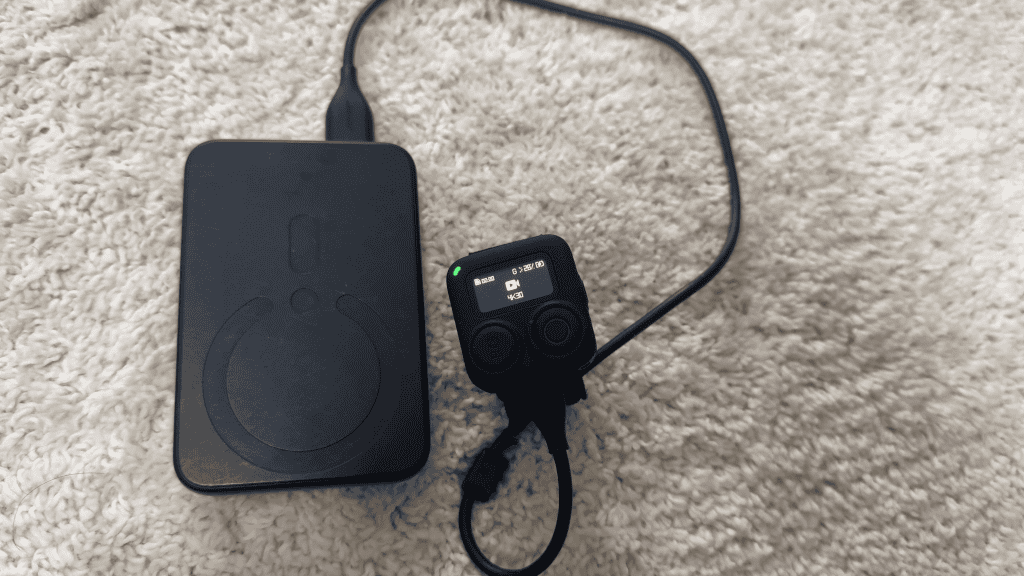
The screen is always on, GPS cannot be disabled, and there is no real way to extend battery life without external power. For a device designed for outdoor use and long sessions, this feels like a significant oversight.
Final Verdict
The DJI Osmo Action Remote is something I will continue to use, because its core functionality genuinely solves a problem for me. For bike-mounted cameras especially, being able to start recording instantly without touching your phone is a huge win.
That said, for the price, it is hard not to compare it unfavorably to competing remotes from GoPro and Insta360. Battery life, screen visibility, and the lack of proper desktop GPS support all hold it back.
If you are a casual user who just wants a physical record button for specific shots, you will probably be happy with it. If you plan to rely on it as a critical part of your everyday shooting workflow, the limitations are much harder to ignore.
Note that there are also third-party versions of the Bluetooth Remote, like this one, that some users have suggested have better battery life despite costing less.